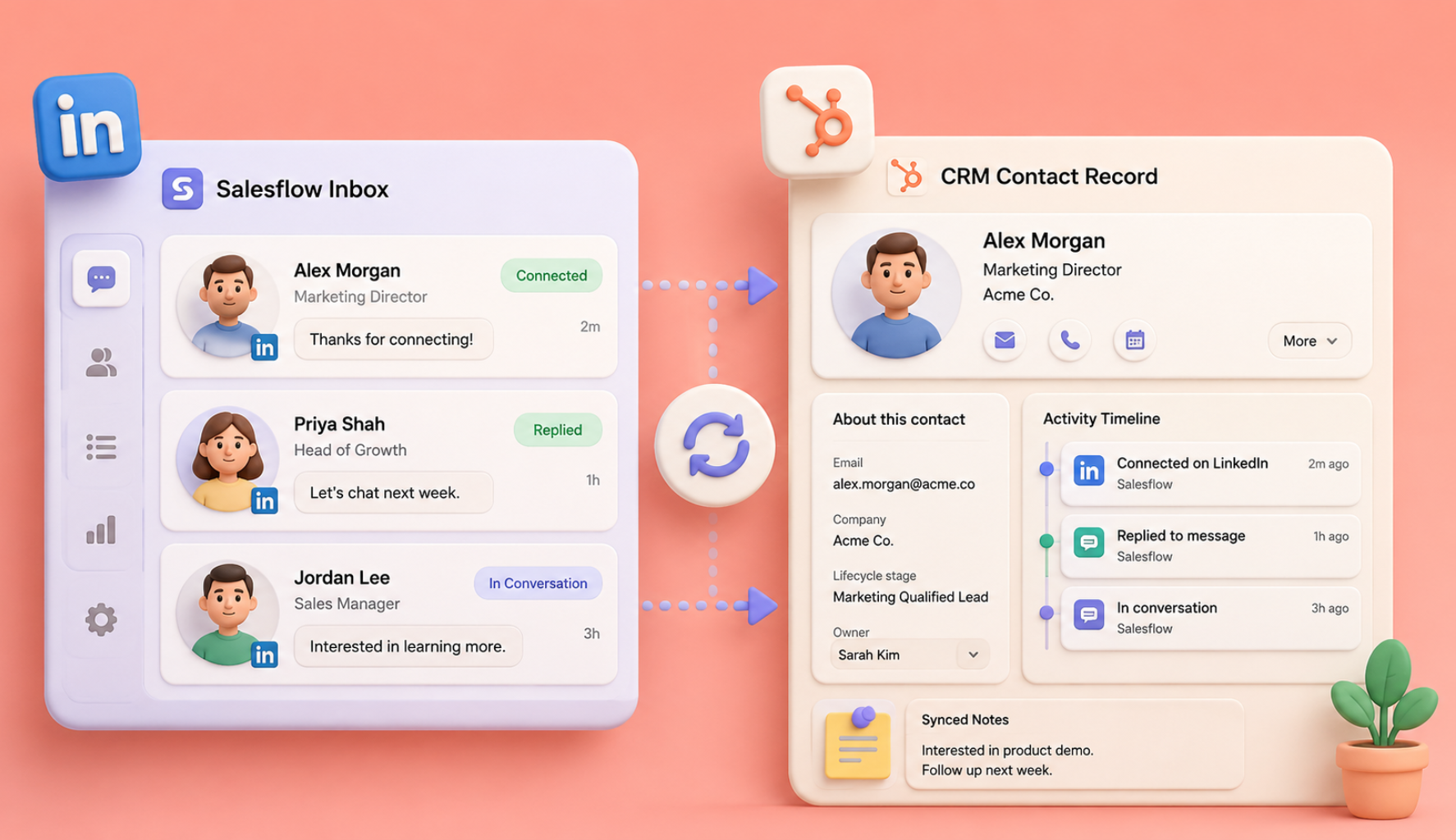
AI agents can help sales teams handle multi-step work such as account research, contact enrichment, drafting, routing, follow-up preparation and CRM updates. The useful question is not whether a product calls itself an "agent". It is what actions the system can take, which information it can access, what evidence it uses and where a person still approves the work.
For a rep, founder or agency operator, that distinction matters. A tool that drafts a first email is different from a workflow that researches the account, enriches the lead, creates a draft, routes it for approval and records the result automatically. Both may use AI, but they solve different levels of the problem.
This guide explains what AI agents are, the three main ways teams can use them, when plug-and-play tools are enough, when no-code or custom workflows make more sense, and how to test an agent without handing over unnecessary control on day one.
What Are AI Agents, And How to Use AI in Sales
An AI agent is a software system that can use models, instructions, data sources, tools and workflow logic to work toward a defined goal across multiple steps. A large language model may be one part of an agent. The two are not competing categories.
A normal chat interaction usually waits for your next prompt. An agent can be configured to retrieve information, call tools, update systems or continue a defined workflow according to rules and permissions.
In a sales workflow, that could mean:
- Researching an account
- Finding relevant decision-makers
- Checking or enriching contact information
- Summarising recent company activity
- Preparing message drafts
- Creating call-preparation notes
- Classifying responses
- Routing a lead
- Updating CRM fields
- Preparing the next action for approval
That does not mean every agent should be given permission to perform every step autonomously. Customer-facing actions, CRM changes and sensitive data workflows need controls appropriate to the risk involved.

Do AI Agents Automatically Learn From Every Result?
Not necessarily. Some systems can use feedback, performance data or updated instructions to influence future actions, but that behaviour needs to be deliberately designed.
Do not assume an agent automatically sees that one subject line performed better and permanently changes its behaviour. Check the product documentation to understand what is actually learned, stored or changed and whether a user can review or override those decisions.
The 3 Types of AI Agents and Which One Is Right for You
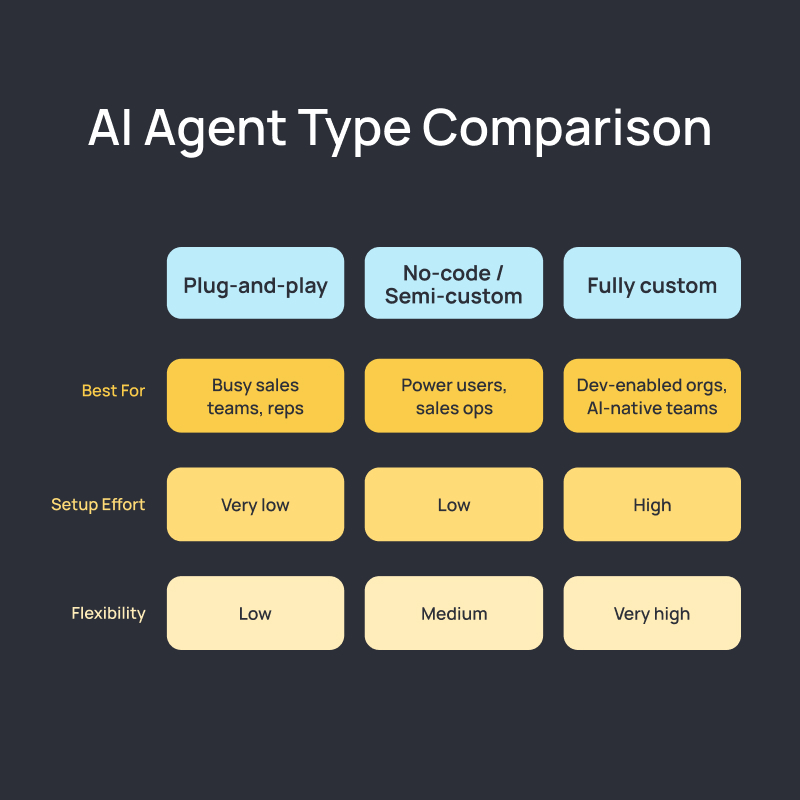
1. Plug-and-Play AI Agents
Plug-and-play agents are designed around a narrow job and usually require less configuration than custom workflows. You choose a task, provide the requested information and review the output.
Typical jobs include account research, lead summaries, call preparation, draft creation and basic information extraction.
They are useful when you want to test AI on one repetitive activity without connecting half of your sales stack.
Setup level: Low
Best fit: Sales reps, founders, smaller teams and agencies testing a defined use case
Before using one, check what data it can access, where the information comes from, what it stores and whether its output should be reviewed before use.
2. No-Code or Semi-Custom Agents
No-code systems let you connect several steps into a workflow without building the entire application yourself.
For example: A new lead enters a CRM. The workflow enriches the record, summarises the account, drafts an introductory message, sends the draft to the rep for approval and logs the decision.
Or a meeting ends. The system reads approved meeting notes, extracts next steps, creates a follow-up draft and adds structured notes to the CRM.
Tools such as Zapier and browser/workflow automation platforms can support this kind of setup. The advantage is flexibility. The trade-off is that you need to think carefully about triggers, permissions, failure conditions and what happens when a step returns bad data.
Setup level: Moderate
Best fit: RevOps teams, technically confident founders and sales teams with defined processes
3. Fully Custom or Code-Based Agents
A custom agent is built around your own systems, data and workflow requirements. It may connect internal tools, proprietary data, APIs, CRM records and specialised decision logic.
Examples include an agent that qualifies inbound accounts against internal criteria, a deal-intelligence system that combines data from several internal systems, or an account-research workflow built around information your company already owns.
Custom does not automatically mean better. It becomes worthwhile when the workflow is strategically important, standard tools cannot handle it cleanly, and the organisation has the technical resources to maintain it.
Setup level: High
Best fit: Larger teams, technically capable organisations and businesses with specialised workflows
Agent Types at a Glance
Most teams should start with the smallest level of complexity that solves the problem. Building a custom agent before proving the workflow often creates more maintenance than value.
The Best Ways to Use AI Agents in Sales
Account Research
A research agent can pull together approved sources and organise them into a consistent account brief. Ask for items that affect the sales conversation: company activity, target segment, relevant roles, known technology, recent changes and questions the rep should verify. Do not let the agent turn weak clues into asserted facts. "The company is hiring salespeople" may be verifiable. "The VP of Sales is struggling with pipeline" usually is not.
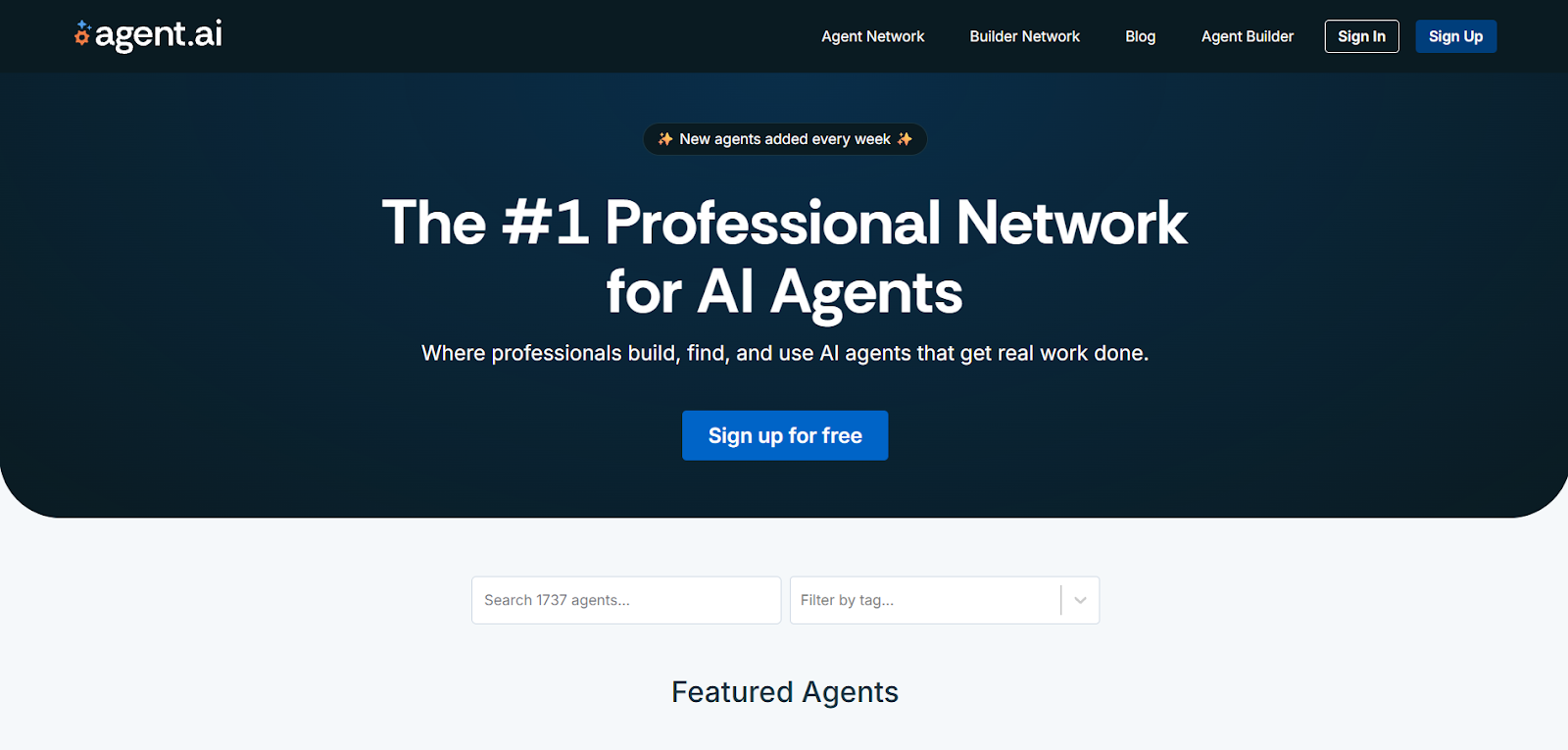
Prospect Research
AI can organise public professional information into a useful prospect summary, but personalisation should remain grounded in relevant business context. Avoid digging for private or unrelated details simply because they are technically discoverable.
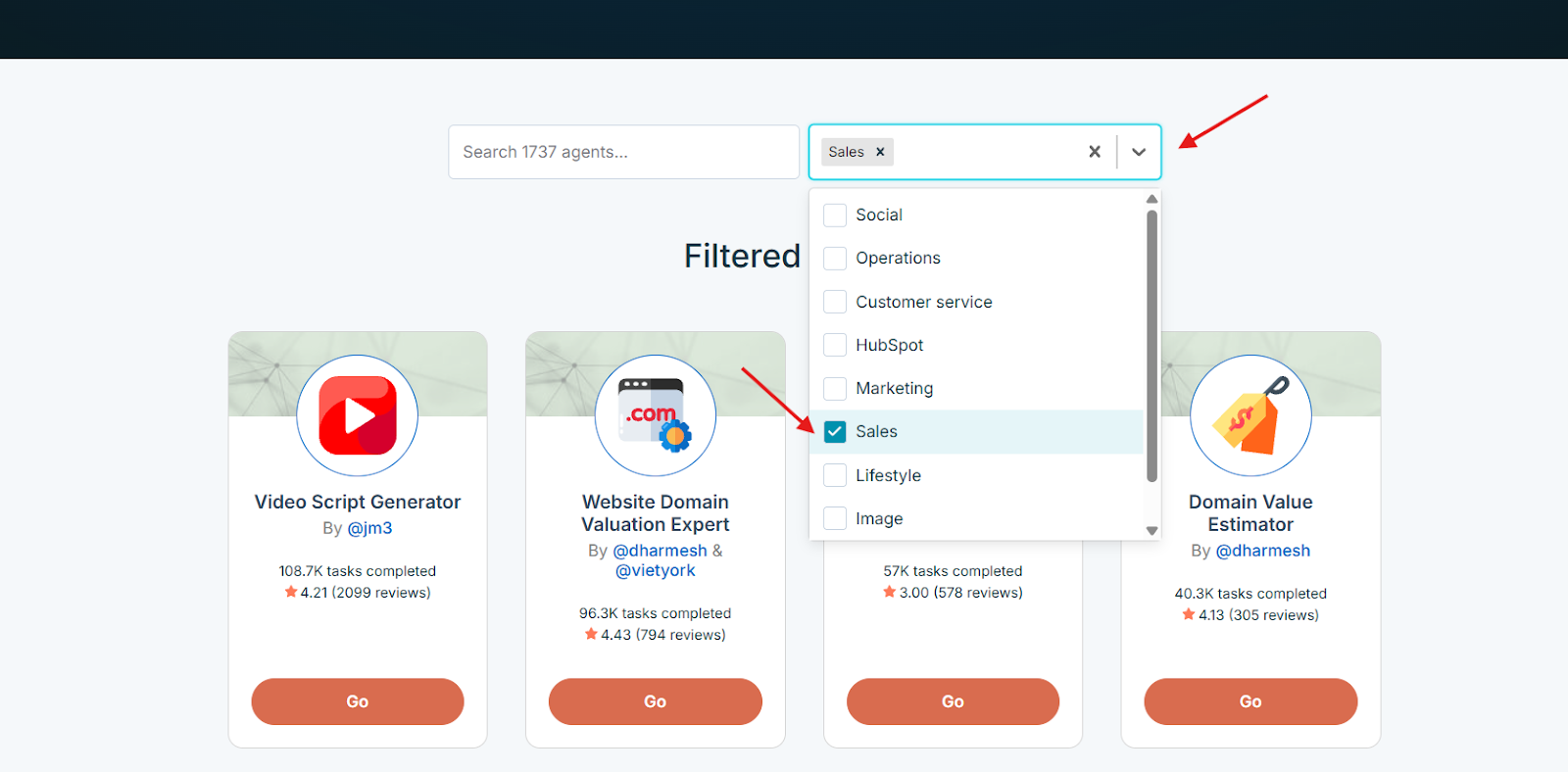
Message Drafting
Agents are useful for producing first drafts when they are given the audience, verified evidence, offer, tone and constraints. A good drafting workflow should make it easy for a rep to see which source fact led to which message. That makes errors easier to catch before outreach begins.

Call Preparation
Instead of asking a rep to search through CRM notes, public company information and previous emails before every meeting, an agent can assemble a structured briefing. Useful sections include: account context, previous conversations, known stakeholders, current opportunity stage, unresolved questions and suggested areas to explore.

CRM Administration
Agents can help summarise notes, structure activity records or prepare field updates. For critical fields such as opportunity amount, close stage or contractual status, keep deterministic rules or human approval where an incorrect update could affect reporting.
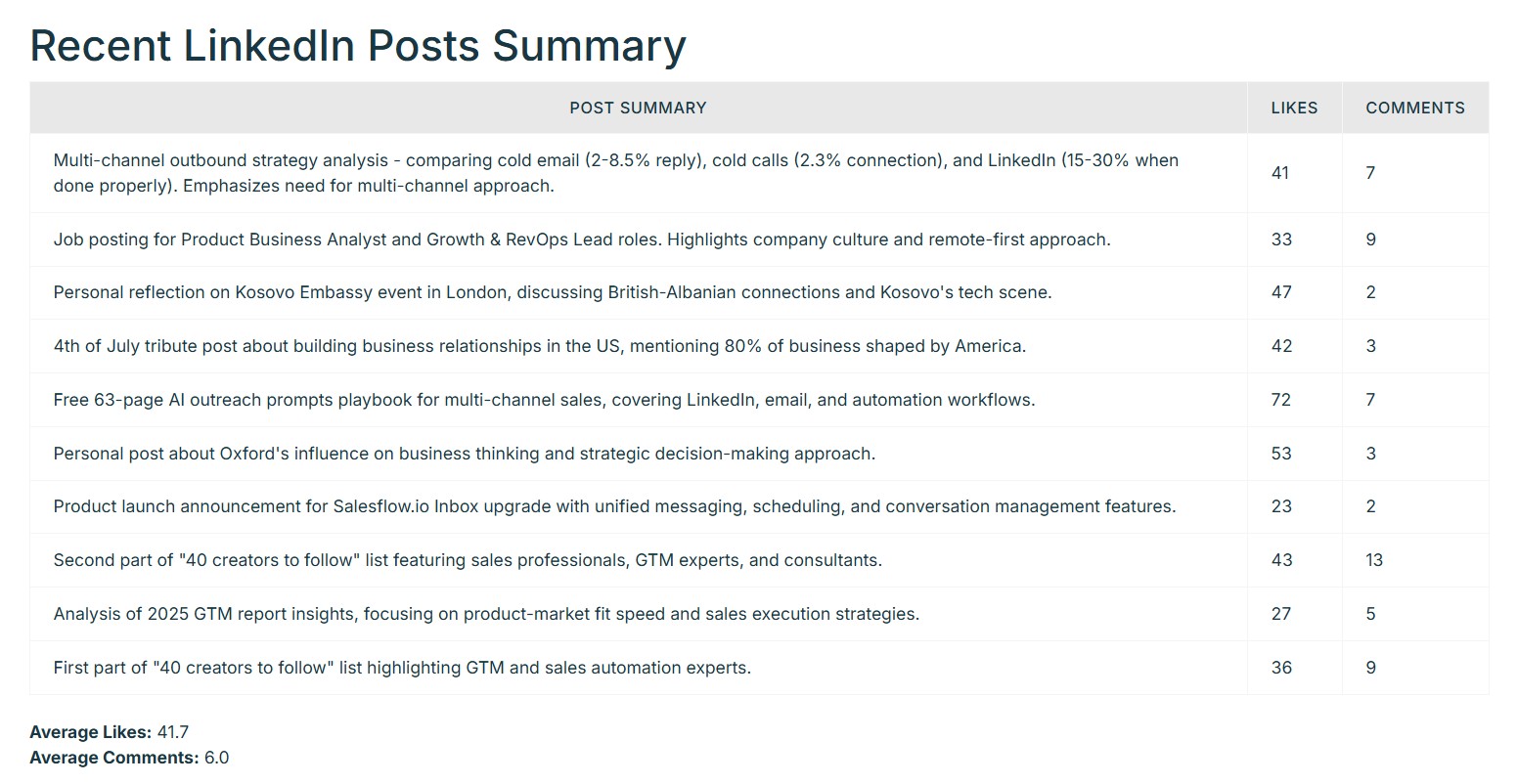
ChatGPT Custom GPTs for Sales
GPTs are configured versions of ChatGPT built for a particular purpose. They can combine instructions, knowledge and selected capabilities, making them useful for repeatable tasks such as account-research briefs, call preparation, draft review and structured note creation.
Availability to use, create, edit or publish GPTs depends on current ChatGPT product and workspace permissions, so avoid hard-coding an old plan requirement into an evergreen article. Check OpenAI's current documentation when publishing product-specific access instructions.
For a sales GPT, start with a narrow task. Give it verified material, define the output format and tell it what it must not infer. Review prospect and company facts before they are used externally.

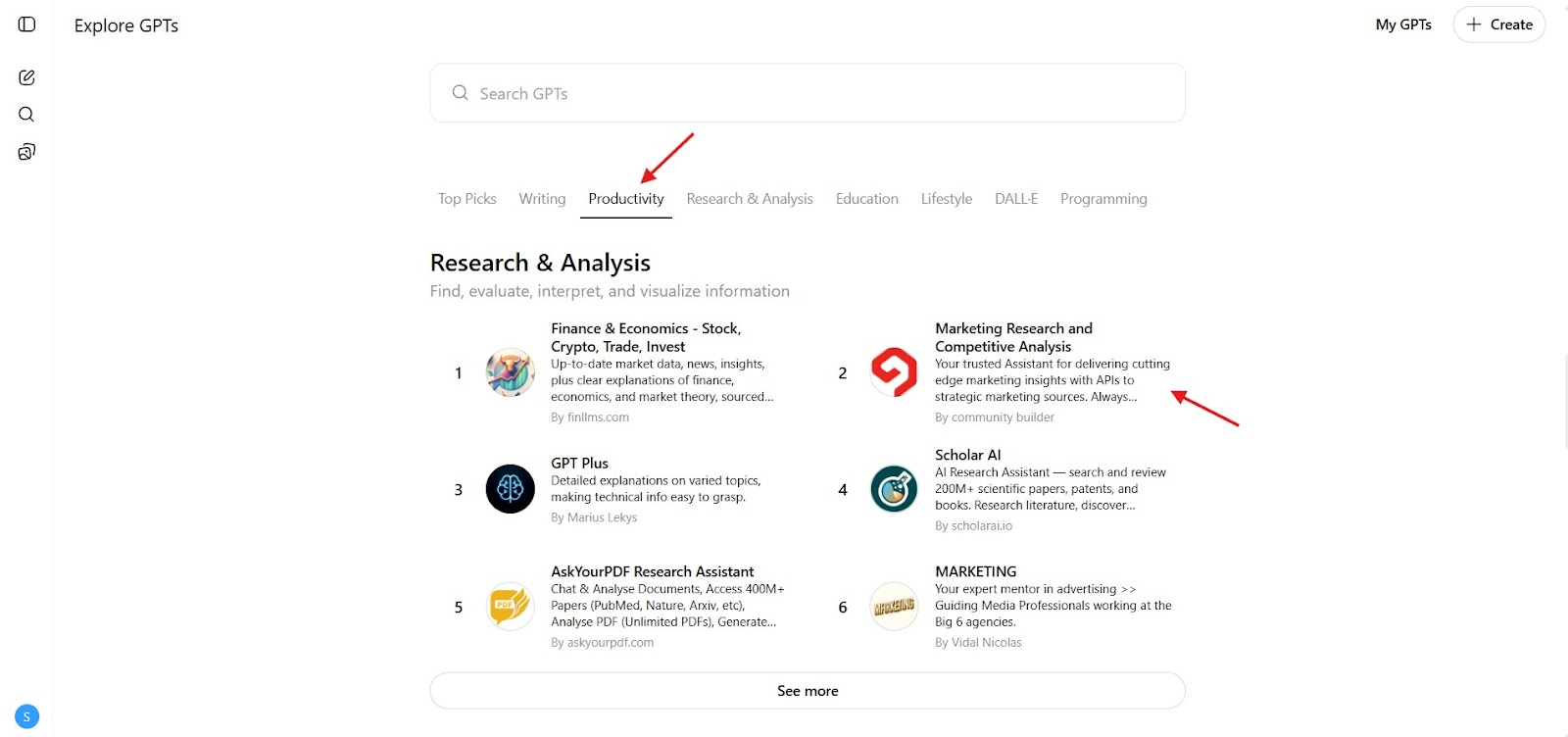

No-Code AI Workflows
Lead Enrichment Workflow
- Trigger: A new lead enters your system.
- Process: Check approved enrichment sources, standardise the returned fields and generate a short account summary.
- Human check: Review uncertain fields before the lead enters an outbound campaign.
Meeting Follow-Up Workflow
- Trigger: Approved meeting notes become available.
- Process: Summarise the discussion, identify agreed next actions and prepare a follow-up draft.
- Human check: The account owner confirms commitments and sends the message.
CRM Update Workflow
- Trigger: A qualifying event occurs, such as a signed agreement or approved stage change.
- Process: Prepare or execute the relevant CRM update according to defined rules.
- Human check: Required for actions that affect forecasting, billing or customer status unless the triggering data is deterministic and trusted.
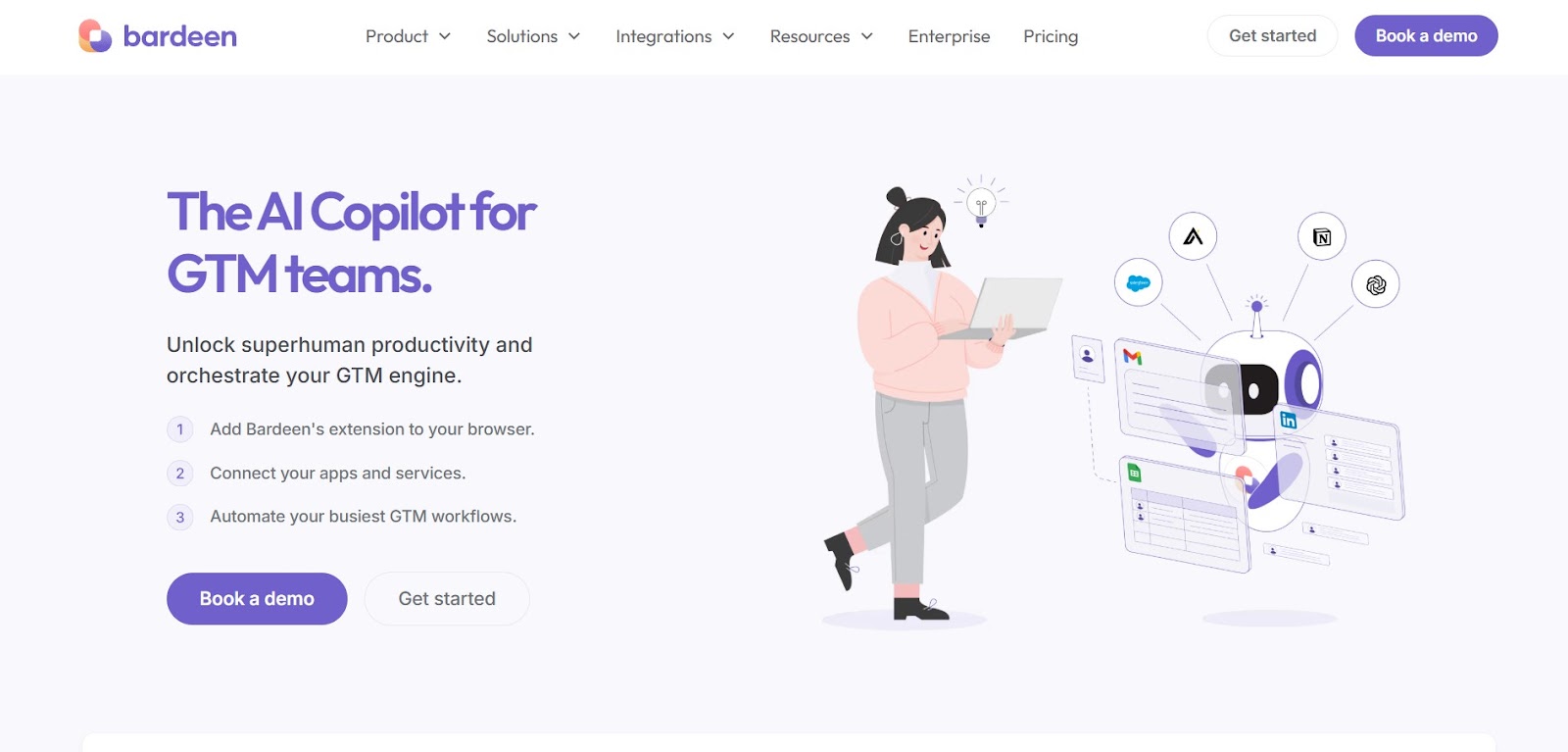
Which AI Agents Are Right for You?
If You Want Something Simple
Start with a plug-and-play tool that performs one defined job. Measure whether it consistently saves time without introducing factual or workflow errors.
If You Want Flexibility Without Building Software
Use a no-code or semi-custom workflow. Connect only the systems necessary for the task and add approval gates before customer-facing actions.
If the Workflow Is Proprietary or Complex
Consider a custom build only after the underlying process is understood and repeatable.
If You're Comparing AI BDR Platforms
If you are comparing products marketed as top autonomous AI BDR software or searching for the best AI BDR Tools in 2026, first identify what you actually want the product to own.
A writing assistant, a traditional sequencer with AI functions, a contact-data platform with outreach and a more autonomous AI BDR can all be marketed with similar language while doing very different jobs.
Compare the systems on:
- Prospect and account research
- Contact-data sourcing
- Draft generation
- Human approval controls
- Email execution
- LinkedIn workflow support
- Reply classification
- CRM updates
- Reporting
- Data permissions
- Failure handling
Do not buy autonomy as a feature in isolation. Buy the workflow that solves the actual bottleneck.
How to Deploy Your First AI Agent
Step 1: Choose One Repetitive Problem
Start with a task that happens often enough to matter and is easy to evaluate. Account summarisation, call preparation and draft creation are usually easier starting points than allowing an agent to manage a complete sales process.
Step 2: Define the Input
Specify what the agent is allowed to use: CRM fields, a company website, supplied research, call notes or another approved source.
Step 3: Define the Output
Do not ask for "something useful." Specify exactly what you expect: a six-field account brief, an email under 100 words, a structured CRM note or a list of questions for a discovery call.
Step 4: Define Failure Conditions
What should happen if the data is missing? What if two sources disagree? What if the agent cannot verify a prospect detail? A good workflow should be able to stop or return "needs review" instead of inventing an answer.
Step 5: Keep Human Approval On
Review the early outputs. Track which parts you consistently edit and where errors occur.
Step 6: Expand Gradually
Only grant additional permissions after the narrower workflow is predictable. A task working well in research mode does not automatically mean it should be allowed to send customer-facing messages autonomously.
The Bottom Line: From 0 to Deployed
Start with one task that is repetitive, measurable and reversible. Define the input, expected output, systems the agent may access and the point where a person must approve the next action.
Run enough real examples to expose failure patterns before connecting the agent to a larger prospect list or customer-facing channel.
If you later compare a top ai agent for outbound with a conventional sequencing platform, measure both against the same outcomes: research time saved, accuracy, reply handling, qualified meetings, CRM completeness and the amount of human review required.
More autonomy is useful only when the evidence, permissions and controls are strong enough to support it.
Want to connect approved research and messaging work with LinkedIn and email execution? Salesflow Dynamic Outreach can help coordinate the campaign workflow once your targeting and copy are ready.
FAQs:
.svg)


.png)