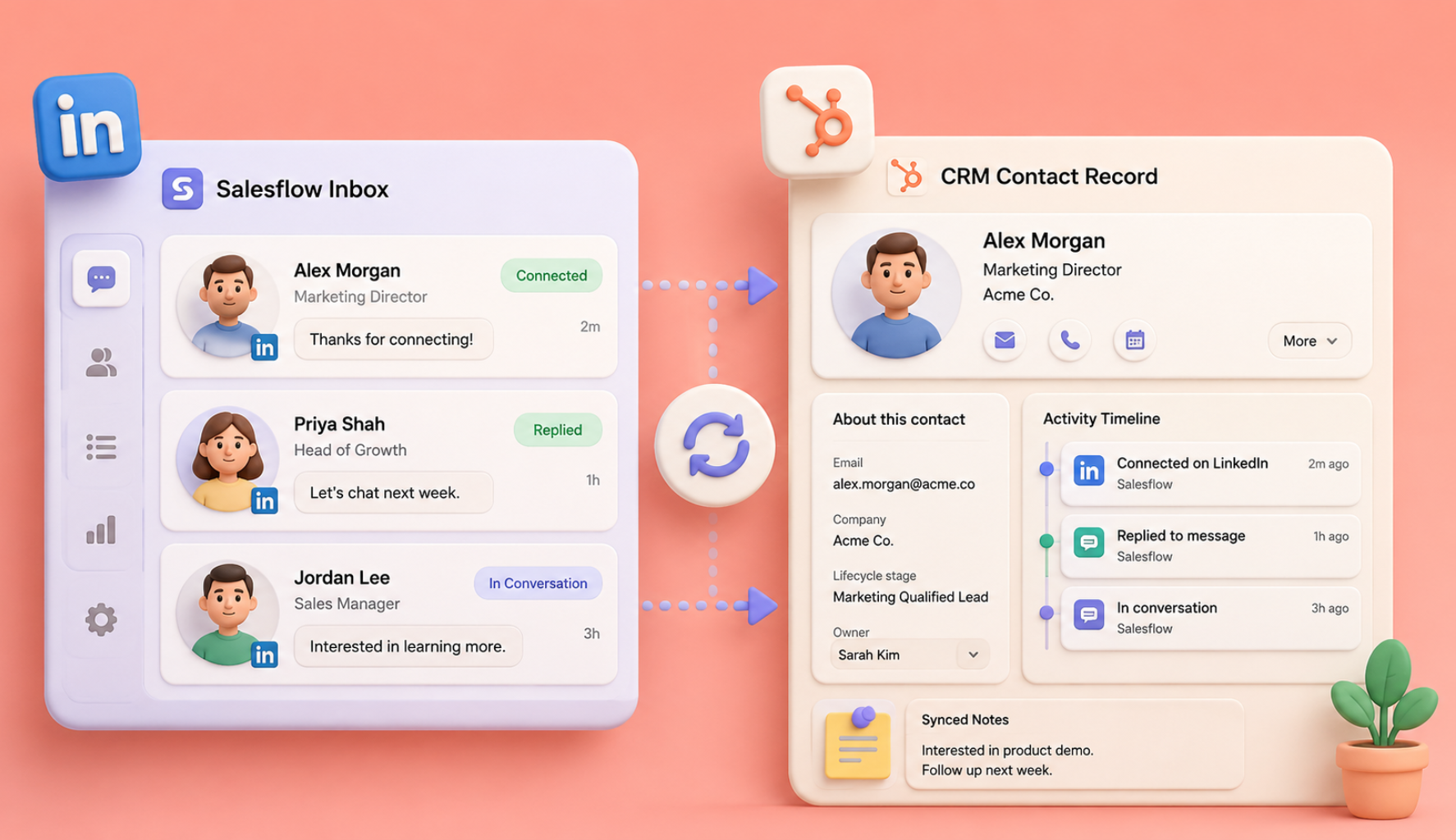
A sales tech stack should make the sales process easier to run, measure, and improve. It should not force reps to copy data between tools, rebuild the same audience in several systems, or check five inboxes before a follow-up.
The best sales engagement tools for enterprise sales teams fit the company's sales motion, data model, security requirements, reporting needs, and rep workflow. This guide keeps the original inbound and outbound structure, but applies a clearer selection framework: function, integration, adoption, control, and measurable pipeline impact.
Pricing in the comparison tables reflects the values in the existing article and should be verified on each vendor's website before publication. Enterprise contracts, usage tiers, implementation fees, and add-ons can change the final cost.
Universal sales tools for inbound and outbound teams
Every stack needs a reliable system of record, a way to schedule conversations, tools for prospect communication, and reporting that connects activity to pipeline. Fix these foundations before adding more specialized software.
1. CRM and pipeline management tools
The CRM stores account, contact, deal, activity, ownership, and forecast data. It should support the stages and fields your team actually uses, not a generic process that requires constant workarounds.
Two-way integrations matter because email, calls, LinkedIn messages, meetings, and campaign status should flow into the record without repeated manual entry. LinkedIn Sales Navigator offers CRM Sync and activity writeback for supported CRM partners on eligible plans. Review LinkedIn's CRM Sync guidance.
Use cases for CRM tools
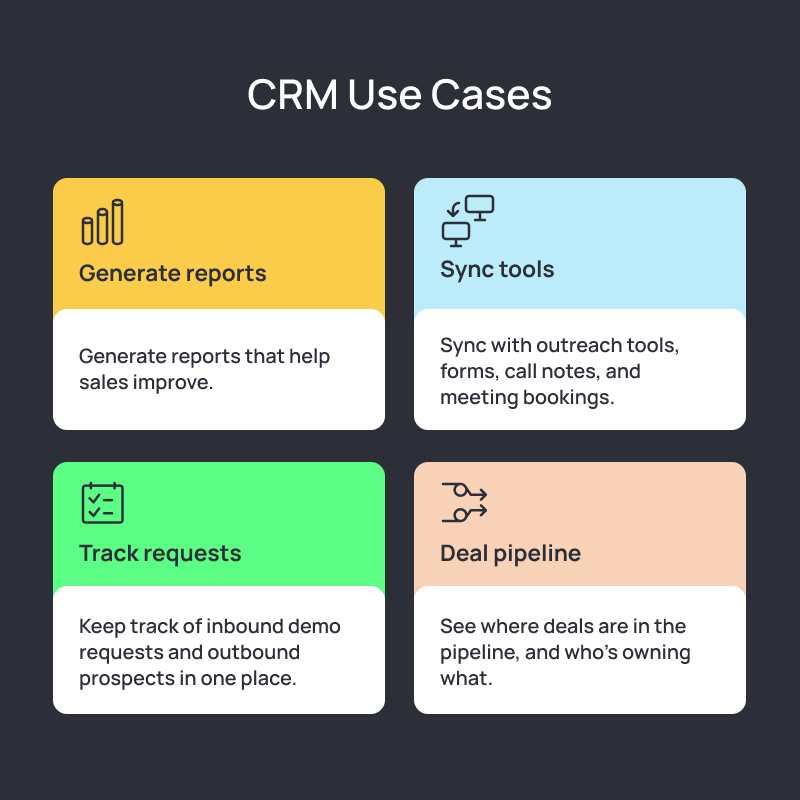
- Track inbound demo requests and outbound prospects in one system.
- Show deal stage, owner, next action, value, and expected close date.
- Sync outreach, forms, call notes, meeting bookings, and campaign activity.
- Build reports for pipeline coverage, stage conversion, rep activity, and forecast quality.
Features to look for
- Two-way integrations with sales engagement, enrichment, calling, scheduling, and marketing tools.
- Custom pipeline views, fields, permissions, and record types.
- Automatic activity capture with clear controls and error handling.
- Workflow automation for assignment, routing, tasks, nurture, and stage changes.
- Dashboards that sales leaders and reps can use without exporting every report.
Stack tip
The most capable CRM will fail if reps avoid it. Choose a system that removes work from the rep's day, then define ownership, required fields, automation rules, and data-quality checks before rollout.
2. Scheduling and calendar tools
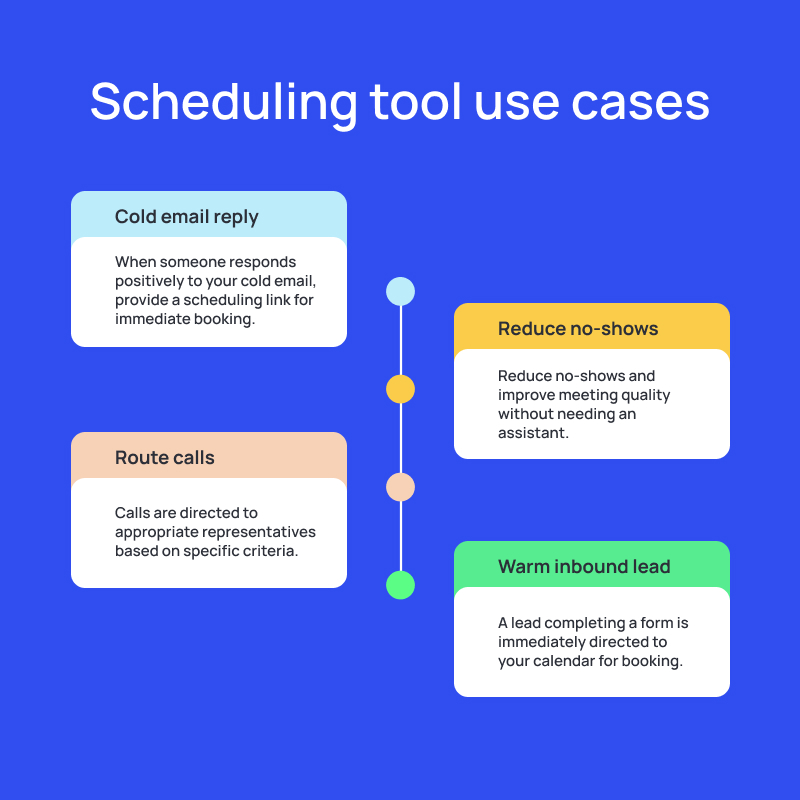
Scheduling software removes the email exchange around availability and routes the right prospect to the right person. Inbound teams need fast form-to-calendar routing. Outbound teams need links that work inside email and LinkedIn sequences without losing source attribution.
Features to look for
- Automatic time-zone handling and daylight-saving updates.
- Round-robin, territory, account, product, and company-size routing.
- Google and Microsoft calendar sync, buffers, notice periods, and meeting limits.
- Embedded forms, qualification logic, CRM updates, and no-show workflows.
Stack tip
Connect scheduling to the CRM before launch. The booking should create or update the correct record, preserve campaign source, assign ownership, and trigger the right preparation and follow-up tasks.
3. LinkedIn messaging and engagement tools

LinkedIn can support research, relationship building, direct outreach, and account-based sales. Tools should help the team apply approved sequences, personalize messages, control timing, track replies, and coordinate ownership.
Use authorized workflows and review LinkedIn's current rules before automating account activity. LinkedIn prohibits bots and unauthorized automated methods that access the service, send messages, or create inauthentic engagement. Read the LinkedIn User Agreement.
Features to look for
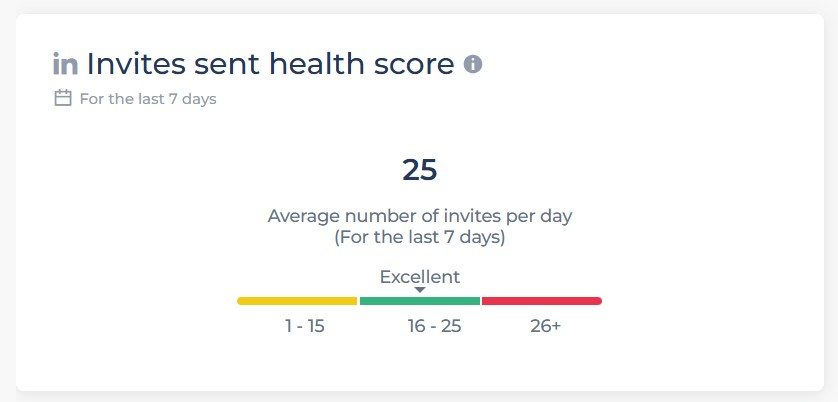
- Account and campaign controls that reduce sudden or duplicated actions.
- Multi-step sequences with connection, follow-up, Open InMail, and email paths where supported.
- Reporting for invitations, connections, replies, positive replies, meetings, and pipeline.
- A centralized inbox with assignment, tags, search, reminders, and reply-based sequence stopping.
- CRM integration that records activity and keeps ownership visible.
Stack tip
LinkedIn messages should sound like the person sending them. Use Salesflow's outreach features to control timing and follow-up, but keep research, message relevance, objection handling, and live replies in human hands.
4. Cold calling and sales dialer tools
A dialer can help reps move through call lists, capture outcomes, record notes, and coordinate call follow-up with email and social activity. The tool should improve context and coaching, not reward empty call volume.
Features to look for
- Click-to-call, power dialing, or controlled call queues.
- Call recording, transcription, summaries, and coaching controls that match local law and company policy.
- CRM and sequence integration for notes, outcomes, ownership, and next steps.
- Reporting by connection, duration, disposition, rep, audience, and campaign.
Inbound sales tools
Inbound tools help teams identify interest, qualify demand, route buyers, and respond quickly. The strongest stack connects content, website activity, forms, scoring, scheduling, and CRM records.
1. Content creation and distribution tools
Sales content can warm an account before direct outreach and answer questions after a conversation starts. Choose tools that help the team create useful material, maintain brand control, schedule publication, and measure the actions that matter.
Features to look for
- Reusable formats for posts, short videos, carousels, customer stories, and sales enablement.
- AI assistance that supports outlines, editing, and repurposing without replacing subject-matter review.
- Scheduling, approvals, version control, and performance reporting.
- Shared asset libraries and permissions for distributed teams.
Stack tip
Separate the jobs. Use one tool for drafting, one for visual production, and one for scheduling and governance when that creates a cleaner workflow than an all-in-one product.
2. Website visitor tracking tools
Visitor tracking helps teams identify company-level interest and prioritize accounts that return to high-intent pages. Treat the signal as a reason to research, not proof that a specific person wants a sales call.
Features to look for
- Company identification with clear confidence and data-source information.
- Real-time Slack or email alerts for target accounts and repeat visits.
- Page-level activity, campaign attribution, and time-window controls.
- CRM and outreach integration for assignment and follow-up.
Stack tip
Create alert rules for named accounts, buying-stage pages, repeat visits, and recent campaign engagement. Send only useful signals to reps, then measure whether the alerts lead to qualified conversations.
3. Lead qualification and scoring tools
Lead scoring ranks prospects using fit and behavior. A useful model explains the score, supports routing, and changes when the underlying data changes. It should not hide weak logic behind an AI label.
Features to look for
- Custom models using firmographic, behavioral, engagement, and product signals.
- Routing rules for owner, territory, segment, account, and buying stage.
- Reason codes that show why the score increased or decreased.
- Integration with forms, CRM, marketing automation, and sales outreach.
Outbound sales tools
Outbound tools help teams build a relevant audience, add accurate context, coordinate touches, and measure conversion. A strong process favors a clean list and specific message over maximum activity.
1. Prospecting and lead-list building tools
Prospecting tools should help users filter accounts and people by role, company, location, industry, size, technology, hiring activity, and other ICP signals. The result should be a segment the team can explain and use.
Features to look for
- Detailed ICP filters and saved searches.
- Accurate profile, email, phone, and company data where legally available.
- Export, CRM sync, enrichment, deduplication, and suppression controls.
- List tags, ownership, versioning, and campaign history.
Stack tip
Use LinkedIn Sales Navigator for account and buyer research, then enrich only the contacts that meet the campaign criteria. This keeps data costs and list cleanup under control.
2. Lead enrichment tools
Enrichment adds missing contact and account fields that support qualification, personalization, routing, and reporting. The system should show data source, freshness, confidence, and verification status where possible.
Features to look for
- Contact and company-level enrichment.
- Real-time, scheduled, API, or webhook-based updates.
- Email verification, confidence scores, and controls for unverified data.
- Job-change, hiring, technology, funding, and intent signals that support timing.
3. Sales engagement and multichannel orchestration
The sales engagement layer coordinates messages, tasks, ownership, timing, channel rules, replies, and reporting. It should connect the prospecting and enrichment layer to the CRM without becoming a second system of record.
When evaluating outbound sales automation software, test how the system handles sequence branching, contact suppression, duplicate prevention, reply detection, CRM updates, permissions, and reporting. Also check whether reps can understand and control what will happen next.
Teams that need Social & Email Outreach Software for Lead Generation can review Salesflow's combined email and social workflows. Developers and software providers can use the Social Messaging API for Social & Email Outreach to add outreach capabilities to another product instead of building the infrastructure from the beginning.
Sample sales tech stacks by team type and motion
How to choose the best enterprise sales engagement tools
The best sales engagement tools for enterprise sales teams pass five tests. They support the sales motion, integrate with the existing system of record, meet security and permission requirements, reduce rep work, and produce reporting that leaders can connect to pipeline.
- Start with the workflow: map the steps from signal or list creation through outreach, reply, meeting, opportunity, and close.
- Name the system of record: decide which platform owns contact, account, deal, activity, and consent data.
- Test adoption: give real users a defined scenario and measure time, errors, and completion rate.
- Check controls: review roles, permissions, suppression, audit logs, integration failure handling, and data retention.
- Measure business impact: track qualified meetings, opportunities, pipeline, win rate, cycle length, and rep time saved.
Build for fit, not tool count
A strong 2026 sales stack uses the fewest tools needed to run the motion well. Remove duplicate databases, overlapping sequencers, disconnected reporting, and products that reps use only during pipeline-review week.
Use Salesflow for sales teams when LinkedIn and email are central to the outbound motion. The Dynamic Outreach guide explains conditional multichannel sequences, while the centralized sales data guide covers CRM connection and activity flow.
.svg)


.png)