Prefer listening?
Hear the audio version of this article here:
Outbound for B2B startups works when the team builds a repeatable system before it increases volume: define a narrow ICP, use trigger events, coordinate LinkedIn and email, write messages around current business context, and measure qualified conversations. The first 100 meetings are an execution milestone, not a reason to blast a larger list.
Start with the process below, then adjust it from replies and opportunity quality. The same framework can support a founder-led motion, a small sales team, or the first SDR once the playbook is documented.
Step 1: define the ICP before writing the message
A useful Ideal Customer Profile(ICP) should narrow the market enough that one message premise can make sense across the list. Industry and headcount are not enough on their own. Add the company state, relevant technology, pain, and a current trigger that explains why the problem matters now.
- Industry or vertical.
- Company size or stage.
- Geography when the sales motion or compliance requirements differ by region.
- Technology already in use, especially systems you integrate with or replace.
- Pain the buyer can recognize in operational terms.
- Trigger events such as funding, a senior hire, new market entry, team expansion, or a public change in priorities.
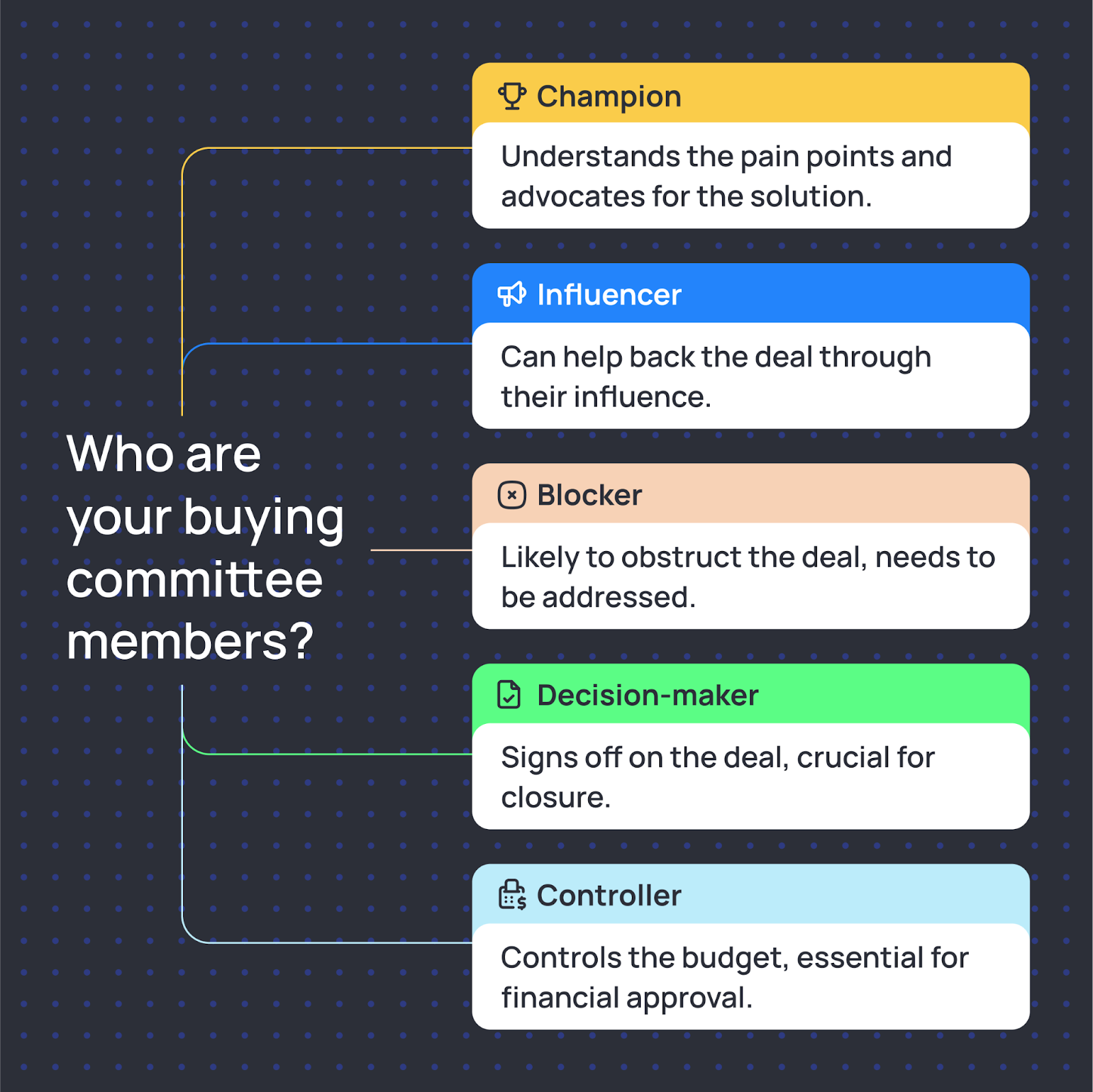
Map the buying committee for higher-value deals. The champion, influencer, technical or legal gatekeeper, decision-maker, and budget owner may be different people. Starting with one contact is fine; planning for the full committee prevents a single-threaded deal from stalling.
A trigger makes the ICP timely. Two companies can have the same industry and headcount, but only one may have a new VP of Sales, a hiring plan, or a product launch that creates an immediate reason to improve pipeline.
For a deeper SaaS example, see how to build an outbound ICP for SaaS.
Step 2: Use LinkedIn and email as one coordinated motion
LinkedIn helps a startup show who is reaching out and why the contact is relevant. Email gives more room for the business case, proof, and a calendar link. The useful part is not simply using two channels. It is making each step aware of what happened in the other channel.
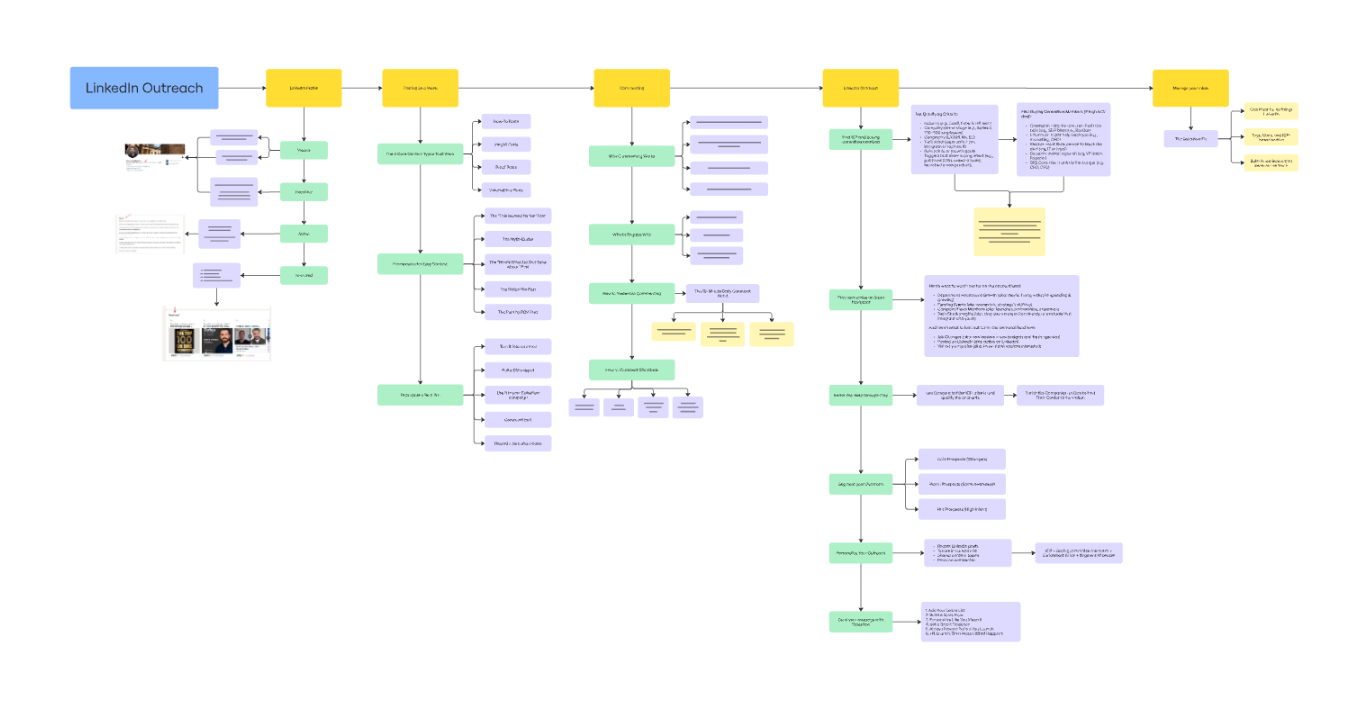
A connection request can create familiarity before an email arrives. An email can carry the fuller explanation. A LinkedIn follow-up can then reference the same issue without restarting the conversation from zero.
If you use a multichannel outreach platform, test whether replies pause the sequence, whether the workflow changes after a connection, how missing email data is handled, and whether reps can see the full conversation state in one place.
Step 3: write messages around context, not a feature list
Most startup outreach gets weaker when it tries to explain the product before earning relevance. Lead with something specific about the account, connect it to a likely business problem, then make a small ask. Keep the first message short enough to scan on a phone.
A three-part email structure
1. Trigger: one specific fact about the account or prospect right now.
2. Connection: the reason that fact makes your category relevant.
3. Ask: one small next step, usually a short conversation.
Example email
Subject: US launch + outbound coverage
Saw that the team just launched in the US. New-market expansion usually creates a short window where the target account list and outbound motion need to catch up with the go-to-market plan.
We help B2B sales teams coordinate LinkedIn and email follow-up so reps can spend more time on live conversations.
Open to a 20-minute look at how you are covering the new segment?
Connection requests and the first message
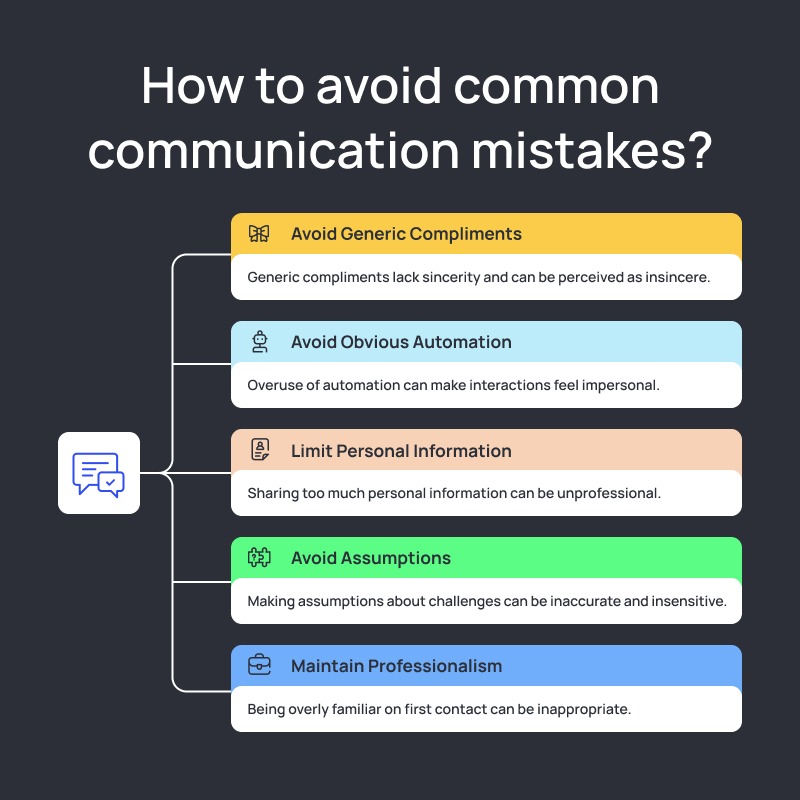
Keep the connection note focused on a credible reason to connect. Do not force the entire pitch into the request.
Saw the team is expanding its outbound motion after the recent launch. I work with B2B teams building the same kind of LinkedIn + email process. Happy to connect.
Once connected, ask a simple question tied to the trigger. For example: is the new-market pipeline mostly inbound today, or is the team already running outbound into a named account list? A direct question gives the buyer an easy way to answer without committing to a demo.
Use linkedin connection request automation carefully
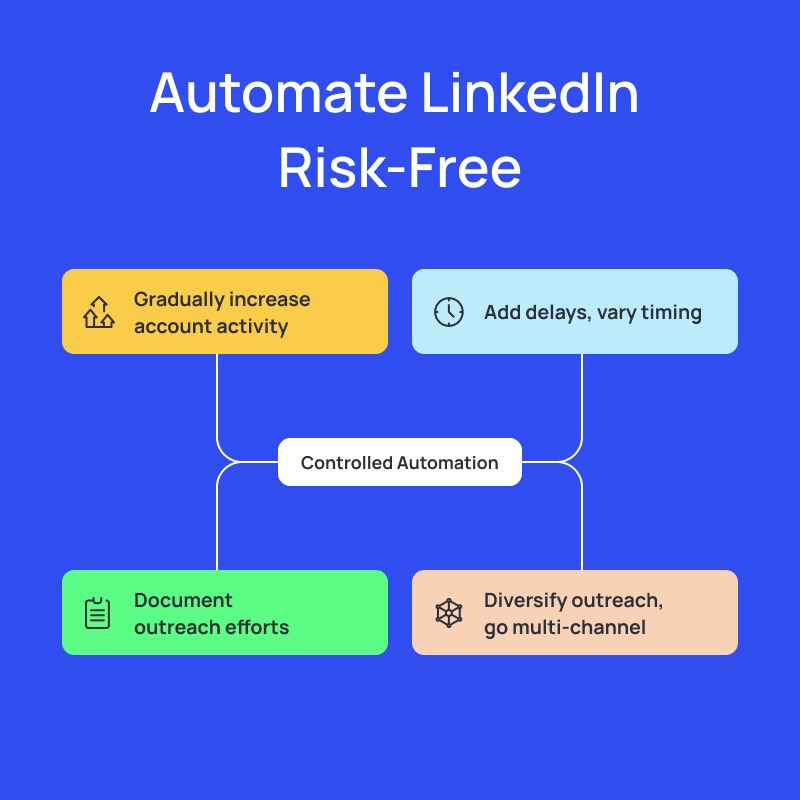
linkedin connection request automation can reduce repetitive work, but it does not make irrelevant outreach acceptable or remove platform risk. LinkedIn states that unauthorized third-party automation can violate its User Agreement. Keep the list narrow, review messages, monitor replies, and stop outreach immediately when a prospect opts out.
Follow up with new information
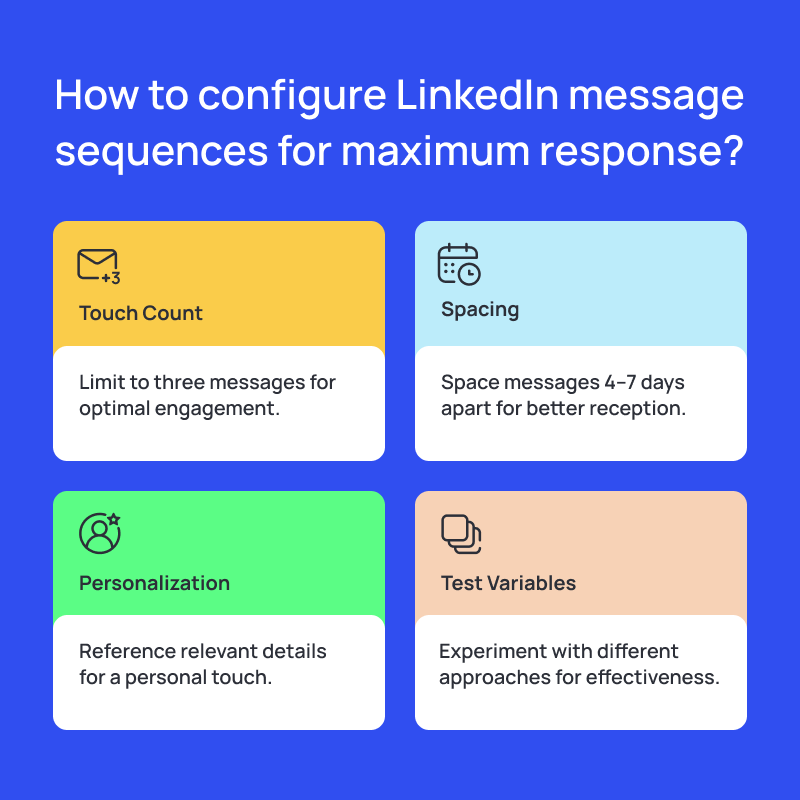
Use a planned cadence so one missed message does not end the test. Each follow-up should contribute something new: a customer example, a different question, a trigger update, or a proof point relevant to the account.
A polite final email should close the loop without manufacturing urgency. If there is no response, recycle the account only when a new trigger gives you a fresh reason to contact it.
Step 4: build a lean outbound stack
At the zero-to-100-meeting stage, the stack should support list building, coordinated execution, booking, and CRM visibility. Adding tools before those four jobs are clear usually creates more handoffs than value.
1. Prospect data
Use LinkedIn Sales Navigator for buyer and account research. Add a business-email provider or enrichment tool when you need verified contact data or trigger enrichment.
2. Outreach execution
Use outbound sales automation software when manual coordination starts stealing time from research, replies, and sales calls. The best system for this stage should show the full prospect state, stop after replies, support branching, and make exports straightforward.
Salesflow coordinates LinkedIn and email in one workflow and can route steps according to connection status and available data. That is useful when a startup wants fewer handoffs between separate LinkedIn and email campaigns.
3. Calendar booking
Use a simple calendar link when the prospect has agreed to meet. Keep the call-to-action conversational before that point; a calendar link should remove scheduling friction, not replace the reason to meet.
4. CRM
A lightweight CRM is enough at the beginning if it records account ownership, contact history, meeting outcome, next step, and opportunity stage. If you need automated data movement, review Salesflow CRM integration guidance before adding more middleware.
How to compare LinkedIn tools at startup stage
The best linkedin automation tool for startups is the one that fits the current channel plan, sender count, CRM, and review process without adding features the team will not use. Compare one live workflow, not the size of the feature menu.
LinkedIn and email compliance deserve separate checks
LinkedIn says unauthorized software that automates activity can violate its rules, so no vendor should be treated as restriction-proof. Review LinkedIn's prohibited software guidance before using third-party automation.
Email has its own requirements. Follow Google's sender guidelines for authentication and spam-rate management, and review the FTC CAN-SPAM compliance guide when sending commercial email in the United States. Operational controls are not a substitute for platform policy or legal review.
Step 5: Use a 90-day path to the first 100 meetings
Weeks 1-2: build the base
- Choose one ICP segment and define clear disqualifiers.
- Build the first account and contact list with one trigger field.
- Prepare one LinkedIn-plus-email sequence and test every branch internally.
- Authenticate sending domains and confirm reply, opt-out, and bounce handling.
Weeks 3-4: launch small and read every reply
- Start with a limited segment rather than the whole TAM.
- Review replies daily and label positive, neutral, objection, wrong-person, and opt-out responses.
- Change one variable at a time: audience, trigger, hook, ask, or channel order.
Weeks 5-8: repeat what is working
- Expand only the segments that are creating qualified conversations.
- Add a second message variant or trigger cohort without changing everything at once.
- Document objections and feed them back into copy, qualification, and product positioning.
Weeks 9-12: turn the motion into a playbook
- Standardize the strongest sequence, list criteria, routing rules, and reporting.
- Connect the workflow to the CRM so meeting outcomes and opportunities are visible.
- Calculate the meetings, qualified opportunities, and pipeline created per segment, not just total activity.
The first 100 meetings matter because they create enough conversations to expose patterns. They do not all have to come from the same sequence, and they should not be treated as a reason to keep scaling a segment that produces low-quality opportunities.
Common mistakes that slow startup outbound
Targeting the entire market. The broader the list, the more generic the message becomes. Narrowing the segment makes the reason for contact easier to explain and the test easier to read.
Leading with product features. A buyer cares about the operating problem first. Use the first message to establish relevance, then explain the product when the prospect has a reason to compare solutions.
Stopping after one touch. One message does not tell you whether the problem is timing, channel, message, or attention. A short multi-touch sequence produces a cleaner test, provided every touch adds context.
Treating negative replies as useless. Objections can reveal a competitor, missing trigger, wrong persona, timing issue, or category misunderstanding. Classify them and use the pattern.
Adding volume before the process can handle replies. If the inbox, CRM, or team cannot respond quickly, more activity lowers the quality of the motion instead of increasing pipeline.
What changes after the first 100 meetings
By the time the team reaches the first 100 meetings, the useful asset should be the playbook behind them: which accounts respond, what triggers create urgency, how the buying committee behaves, which messages start conversations, and where deals stall.
Use that evidence to tighten the ICP, remove weak segments, document the sequence, and decide which part of the motion should be handed to a rep. A startup that can explain its process can increase volume with more control than one that only knows the number of messages it sent.
If you want to automate the repeatable steps after the workflow is clear, compare Salesflow features and the Dynamic Outreach workflow.
.svg)


.png)